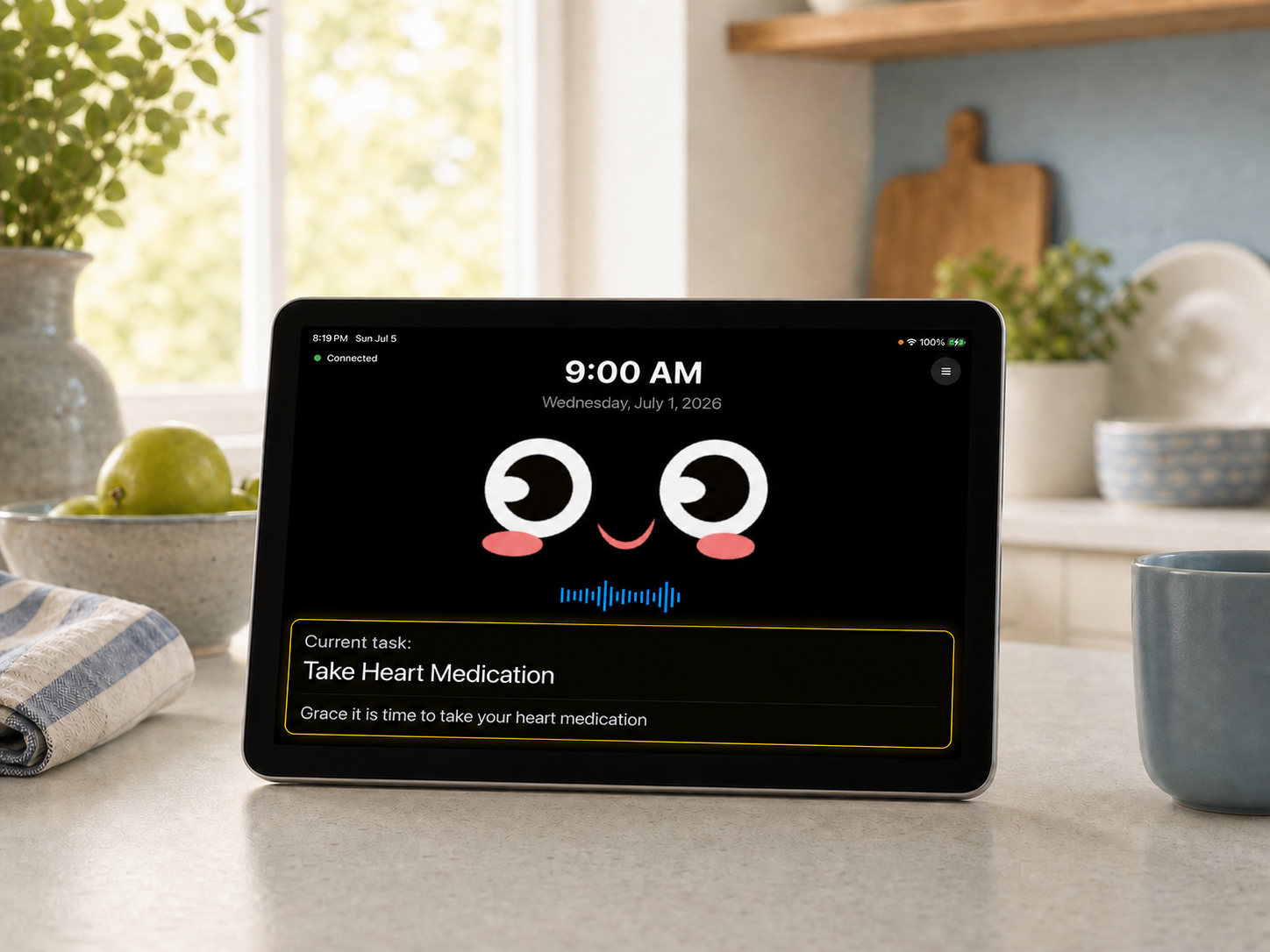
A shared tablet or iPad at home
Alli Home
For hands-free conversations and spoken reminders throughout the day.
Getting Started
Choose based on where you will use Alli: Alli Home is the shared voice companion on a tablet at home, and Alli Care is the personal app on a phone. You can use either one or both; when you use both, sign in with the same account and they connect automatically.
A shared tablet or iPad at home
For hands-free conversations and spoken reminders throughout the day.
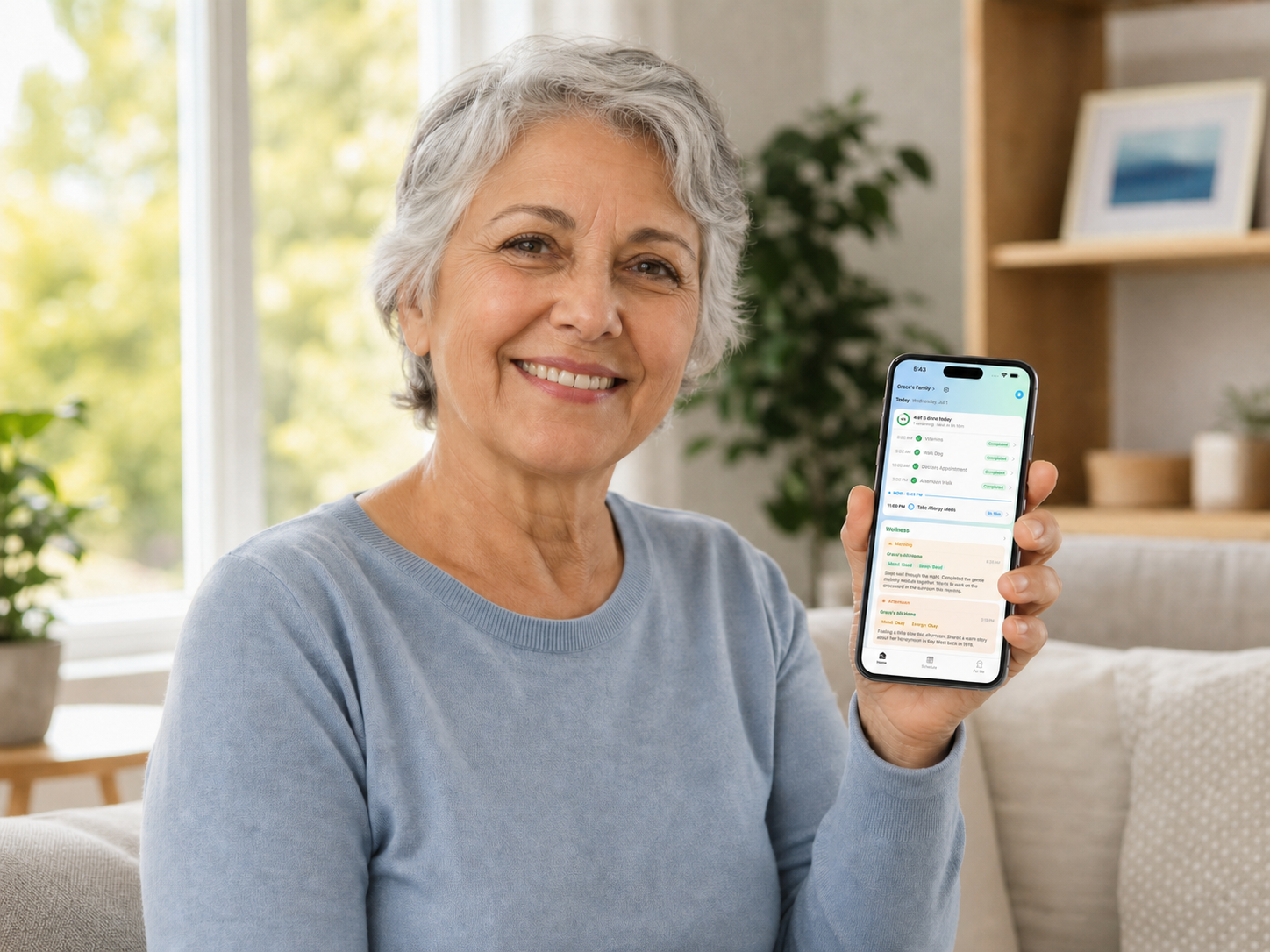
A phone you carry with you
For your routines, reminders, and staying connected with family.
Alli Home lives on a tablet in the home. Alli reminds about tasks and medication, checks in on its own throughout the day, and guides wellness exercises.
Alli Home runs on an Android tablet or iPad. Use one you already have, or set one aside just for Alli.
Choose a spot where it will be used most, close enough to a power outlet that the tablet can stay plugged in. Alli is always on, so keeping it charged matters.
Sign in with an email, Apple ID, phone number, or Google account. Note which one you use, because you will sign in to Alli Care with the same one.
That is it. Say “Alli Alli” to start a conversation.
Stuck on a step or something is not working the way you expected? We are here to help.
Or email us at support@allicare.life